 About Us
 Why K12?
 Safety Needs
 How Students Succeed
 FAQs
FAQs Online Elementary School
 Online Middle School
 Career and College Prep
 Online High School
 Student Clubs
 Career and College Services
 Inside the Online Classroom
 A Day in the Life
 Social & Extracurricular
 Advice, Tips & Inspiration
 Benefits for Life
 Enroll
 All School Options
 Need More Help?
How Online Schools Track Student Progress (And How Parents Can Stay Involved)
How do online schools track student progress? Parents can monitor grades, assignments, and attendance in real time through secure online portals.
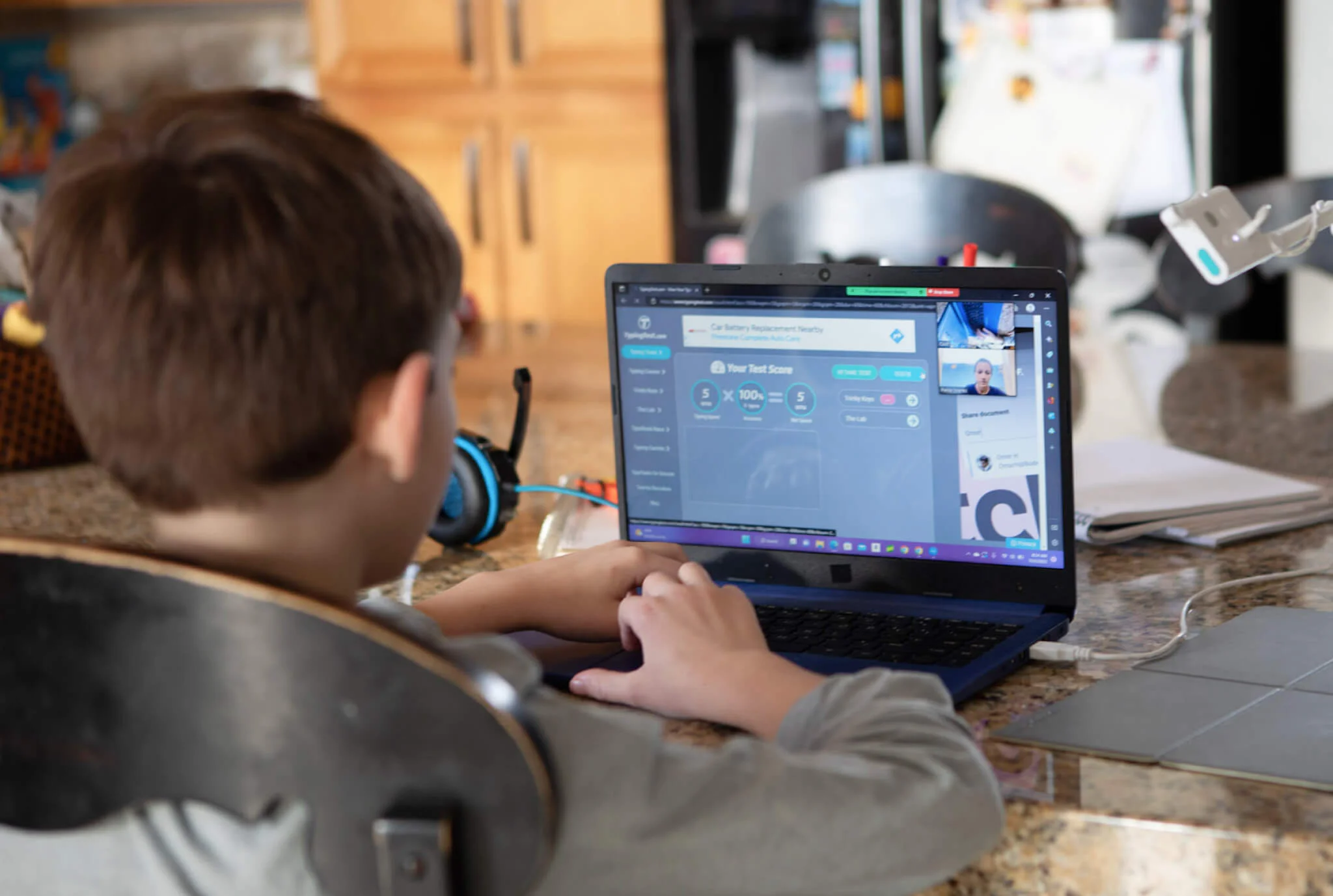
Table of Contents
How Progress Tracking Works in Online School
Online schools use digital learning platforms that monitor grades, assignment completion, attendance, and engagement in real time. Parents can access this information anytime through secure portals, giving them clear visibility into how their child is performing day to day.
If you’re wondering whether you’ll really know how your child is doing in online school, the answer is yes, often with more detail than traditional classrooms provide.
How Online Schools Track Student Progress
Online schools track progress using Learning Management Systems (LMS). An LMS is a digital platform that records and organizes every aspect of student learning.
These systems give teachers and parents a clear, real-time view of how students are performing across assignments, lessons, and overall progress.
Schools track progress through:
- Automated grading: Quizzes and tests are scored instantly, giving students immediate feedback
- Assignment tracking: Systems record submissions, time spent on tasks, and completion rates
- Attendance monitoring: Logins and participation in live classes are automatically recorded
- Teacher feedback: State-certified teachers review work, monitor participation, and provide personalized guidance
- Standards-based tracking: Progress is measured against specific learning goals and skill mastery
According to the U.S. Department of Education, the most frequent use of student data systems is to inform parents about students’ progress. All this data feeds directly into parent-accessible systems, so you’re never in the dark about how your child is doing.
What Parents Can See in Real Time
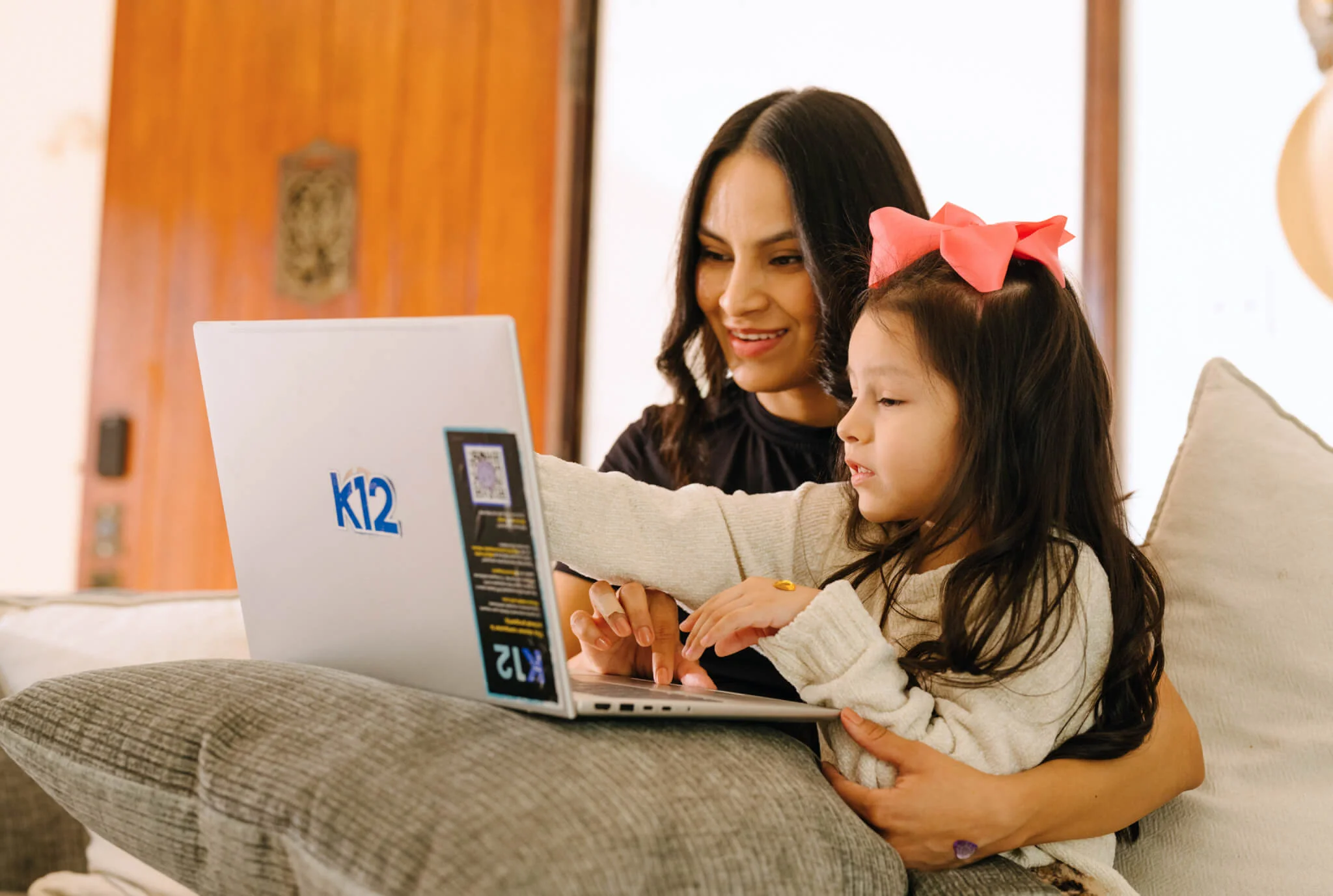
Parent portals give you 24/7 access to your child’s academic information. You don’t have to wait for report cards or scheduled conferences to know how things are going.
Through your parent portal, you can view:
- Current grades: View scores as soon as they’re entered
- Assignment details: See what’s completed, missing, or upcoming
- Attendance records: Track participation in classes and platform activity
- Teacher feedback: Read comments and suggestions on student work
- Progress reports: Monitor overall academic progress and pacing
- Upcoming deadlines: Stay ahead of assignments and due dates
This transparency means you can spot potential issues early and celebrate successes right away.
Simple Ways Parents Can Monitor Student Progress Effectively
Having access to progress data is helpful, but using it effectively is what makes the difference.
Check the Parent Portal Weekly
Set a regular day each week to review your child’s progress. Weekly check-ins give you enough information to stay current without creating stress. Focus on patterns over time rather than individual grades. Are there subjects where they consistently struggle or excel?
Review Progress Reports With Your Child
Use progress data as a conversation starter, not as a source of pressure. Sit down with your child and review the data together. Ask open-ended questions like “What’s been challenging this week?” or “I see your science grade improved, what helped?” This approach builds trust and helps your child develop self-awareness about their learning.
Communicate With Teachers
When you notice concerns through the portal, reach out to teachers through the secure messaging system. Keep communication specific, collaborative, and focused on solutions. Instead of “Why is my child’s grade so low?” try “I noticed my child is struggling with recent math assignments. Can you help me understand what’s challenging and how we can support them?” Teachers appreciate it when parents use portal data to start productive conversations.
Staying Connected to Your Child’s Learning Journey
Online progress tracking gives you visibility, but the real impact comes from how you use that information.
Regular check-ins, open communication, and collaboration with teachers help keep your child on track.
Online progress tracking gives you visibility, but the real impact comes from how you use that information. Regular check-ins, open communication, and collaboration with teachers help keep your child on track.
Interested in learning more? Find out what it means to be a K12 Learning Coach and how you can support your child’s progress with confidence every step of the way.
Questions Parents Ask About Tracking Progress in Online School
How often is the parent portal updated?
Most portals update frequently, often in real time or within hours. Grades, attendance, and assignments are regularly refreshed, though timing may vary by teacher.
Can I see my child’s actual schoolwork?
Yes. Many platforms allow parents to view assignments, rubrics, and sometimes submitted work, helping you better support learning at home.
How do I know if my child is on track?
Parents can track whether their child is on pace by reviewing progress reports, assignment completion, and teacher feedback in the parent portal. Many platforms also show pacing indicators or alerts if a student is ahead or behind schedule.